When your Google Business Profile isn't showing up in search, check three things: is it verified, is it suspended or disabled, or does it appear by name but not in category searches? Each answer points to a different fix, and the symptom table is the quickest place to start.
Contents
Why isn't my Google Business Profile showing up in Google Search?
Your profile has to be verified before its business info can appear on Maps and Search. If it breaks Google's guidelines, it gets disabled or suspended and stays hidden from other users until the issue is resolved. If neither applies, it may just not rank yet for the words people type, or a recent edit hasn't shown up yet.
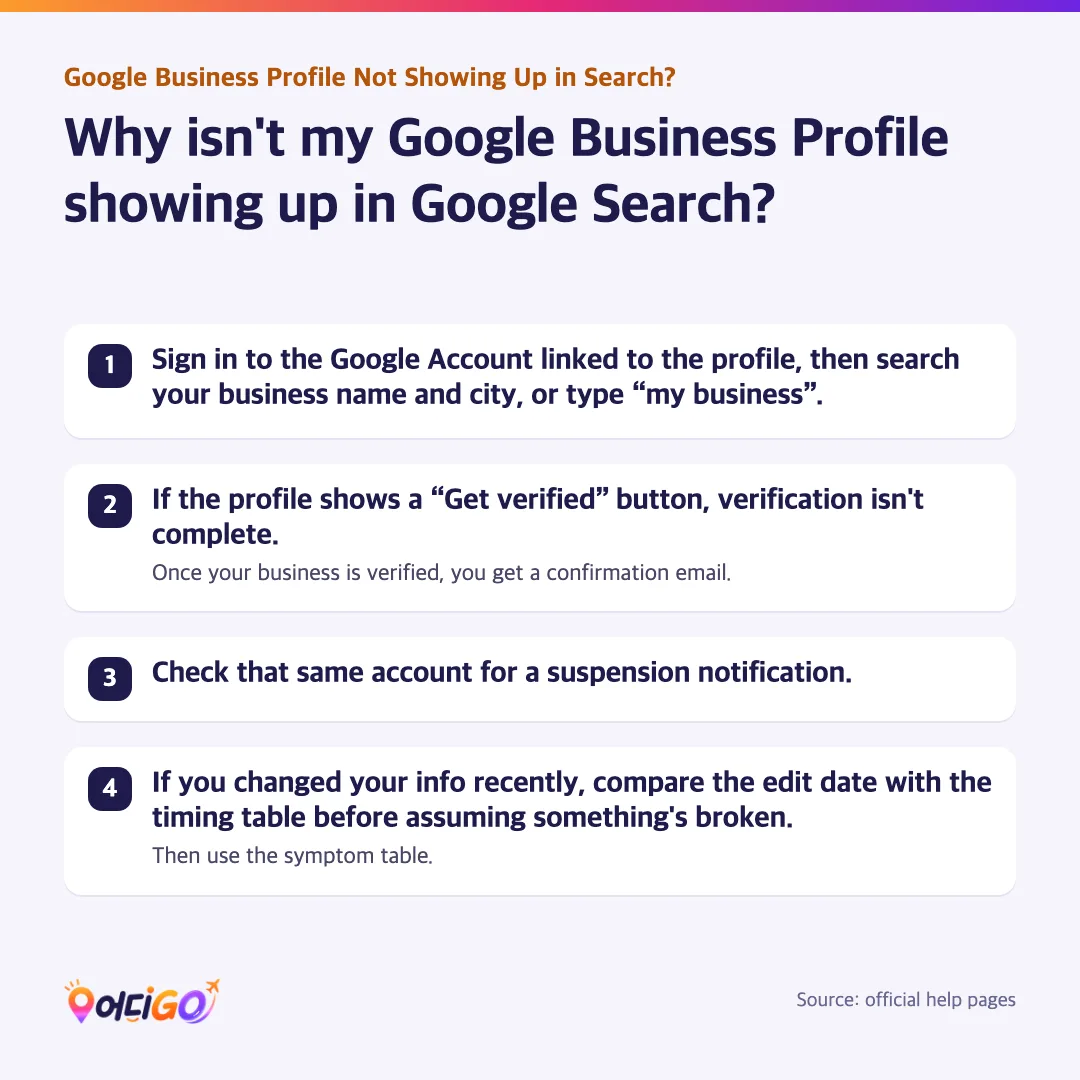
- Sign in to the Google Account linked to the profile, then search your business name and city, or type “my business”.
- If the profile shows a “Get verified” button, verification isn't complete. Once your business is verified, you get a confirmation email.
- Check that same account for a suspension notification.
- If you changed your info recently, compare the edit date with the timing table before assuming something's broken. Then use the symptom table.
My profile isn't showing up when I search for it. How do I find it?
You can only find your own profile while signed in to the Google Account linked to it. From there, you have three quick ways in, on the web or in the app.
- On Google Search, type your business name and city, or just “my business”.
- On Google Maps, search your business name and city.
- In the Google Maps app, tap Business at the bottom right. If you have more than one business, tap the Down arrow at the top and pick the one you want.
Finding it from the owner account doesn't prove customers can see it. As covered above, a suspended profile is hidden from other users, and only verified businesses show their info on Maps and Search.
So check your verification and suspension status rather than trusting your own screen. To see what customers see, search your business name and city in a private or incognito window, or while signed out.
Verified but not on Google Maps yet? How long it takes
Once you finish the verification steps, Google reviews your info. Rankings for a new business then take time to appear in search results; the timing table gives the official limits for both.
- Watch your inbox for a confirmation email once your business is verified.
- If the “Get verified” button comes back, Google couldn't completely verify your business. Re-verify, or try another method if your profile shows more than one.
- If you're asked for more info, select “Get Verified” and try to re-verify. This is likely because some business details were updated recently.
Why did my business disappear from Google Maps?
As noted above, a profile that breaks Google's guidelines is disabled or suspended and hidden from other users until you resolve the issue. If yours is suspended, you get a notification in the Google Account you use to manage it.
- Before you appeal, make sure the profile follows all the guidelines.
- Open the Google Business Profile appeals tool, select Confirm (or Switch account to use a different one), choose the profile, then select Continue and Submit Appeal.
- If you add evidence, submit the form within 60 minutes of opening it. While the appeal is under review, don't create a new profile for the same business.
Sometimes the whole Google Account is restricted. That suspends every profile it manages and blocks you from creating or claiming others. If so, appeal the account on your My accounts page first, then appeal the profile once the restriction is lifted.
Which symptom do you have? Causes and fixes
Start with one test: does the business show up when someone searches its name? The table matches each symptom to what to check and the help page that covers it.
| Symptom | Check first | What to do | Help page |
|---|---|---|---|
| Not found even by name | Verification and suspension | Finish verification, or appeal a suspension | Verify your business; Fix suspended or disabled profiles |
| Verified, not suspended, still not found by name | Address, map pin and timing | Make sure your address is complete and your map pin is on the business. Check the timing table for edits and new-business rankings. Beyond that, the help pages only suggest the help community or contacting Google | Manage your business address; Find your business on Google |
| “Get verified” button came back | Google couldn't completely verify the business | Re-verify, or try another method shown on the profile | Verify your business |
| Found by name, not in category searches | Relevance, distance, prominence | Complete your info, reply to reviews, add photos | Improve your local ranking |
| Edits don't show yet | How long ago you edited | Give it time; see the timing table below | Find your business on Google |
| New, verified business ranks low | How new the business is | Give rankings time; see the timing table below | Find your business on Google |
| Address can't be found when you type it | Address format | Re-enter the parts highlighted in red, or select Adjust to set a pin | Manage your business address |
How long do profile changes take to appear?
Google's help pages give only a few time limits, and each covers a different step. Match the clock to the step you're on before deciding something's broken.
| Step | Official time | Source |
|---|---|---|
| Edits to your business info showing in search results | Up to 3 days, per one help page. The address help page says usually about 10 minutes, and in some cases up to 30 days | Find your business on Google; Manage your business address |
| Rankings for a new business appearing | Up to a month | Find your business on Google |
| Verification review | Up to 5 business days; rarely longer; sometimes instant | Verify your business |
| Postcard code arriving | Most arrive within 14 days | Verify your business |
| Postcard code staying valid | Expires after 30 days | Verify your business |
| Appeal evidence form | Submit within 60 minutes of opening it | Fix suspended or disabled profiles |
Agency and blog posts often quote other day counts: indexing deadlines, a point after which a delay is supposedly technical, or deletion after long inactivity. None of these appear in the Google help pages behind this guide, so treat them as opinion, not rule.
How does Google decide which local businesses to show?
Google tries to show searchers the kind of nearby business they'd like to visit. If a search for your name finds you but a search like “Italian restaurant” doesn't, that points to local ranking, not a hidden profile. Google's help page says local results are “mainly based on relevance, distance, and popularity,” and its section on the third factor is headed Prominence.
| Factor | What it means | What you can do |
|---|---|---|
| Relevance | How well your profile matches what someone is searching for | Provide complete, detailed business info |
| Distance | How far each business is from the searcher; if they don't share their location, Google uses what it knows about it | Keep your address and map pin accurate |
| Prominence | How well-known a business is, based partly on how many websites link to it and how many reviews it has | More reviews and positive ratings can help |
Google is blunt about money: “There's no way to request or pay for a better local ranking on Google.” So any company that charges a fee and guarantees you a top spot is selling something Google says can't be bought.
Inside your profile, these steps can help:
- Verify the business. It tells Google you're authorized to represent it, which makes you more likely to show up in search results.
- Keep your info complete and accurate. If it isn't, your profile might not show up for relevant searches in your area.
- Add your full address if customers can visit, your hours (including special hours), your category, and details such as parking or Wi-Fi.
- Reply to reviews. Positive reviews and helpful replies can help your business stand out.
- Add photos and videos that show what you offer.
Running a shop outside the US? Address, phone and verification snags
Your verification options depend on your business type, public info, region or business hours, so your screen may not match another owner's. Check the points below if your address, phone line or mail doesn't follow a typical US setup.
- Enter your official address, including building, suite and floor numbers. If the official address isn't accurate, you can add nearby cross-streets or landmarks, but avoid wording like “Across from Central Park.”
- If your address has no street number, or the system can't find it, pin your location instead. Go to Edit profile, then Location, select Edit next to “Business location,” then Adjust, move the map, and select Done and Save.
- Automated phone menus (IVR systems) can't receive a verification code. Make sure someone can answer the business phone or receive texts.
- Postcard verification isn't available for every business. Most codes arrive within 14 days and expire after 30.
- While a postcard is in the mail, don't edit your business name, address or category, or the code won't work. Don't request a new code either; that cancels the one already on its way.
- Live video calls are only available during your location's business hours, and you need to be at the business. If you manage from another time zone, plan the call around the shop's local hours.
- Appeal evidence can include official business registration, a business license, tax certificates or utility bills. Make sure the business name and address on them match the profile.
- Hide your address only if you run a service-area business: turn off “Show business address to customers.” If you don't enter a service area, a local area is chosen for you.
What these help pages don't cover:
- Which alphabet or language to use for your business name and address.
- Country-by-country differences in verification methods or features, beyond the region notes above.
- Rules for shared or virtual offices, and steps for reporting duplicate profiles.
Frequently asked questions
How do I find my business profile on Google?
Sign in to the Google Account linked to the profile, then search your business name and city, or “my business,” on Google Search. In the Google Maps app, tap Business at the bottom right.
How long do edits and a new verification take to show on Google?
Edits, the verification review and rankings for a new business each have their own time limit. See the timing table.
Can I pay Google to rank higher in local results?
No. There's no way to request or pay for a better local ranking on Google.
Can I choose a different verification method?
No. Google picks verification methods automatically and they can't be changed. If your profile shows more than one option, you can try the others.
Should I make a new profile if mine was suspended?
Not while your appeal is under review. Google asks you not to create a new Business Profile for the same business during that time.
References
This guide is based on the Google help pages below. Every fact above comes from one of them.
- Find your business on Google
- Verify your business on Google
- Fix suspended or disabled profiles
- Tips to improve your local ranking on Google
- Manage your business address
Last checked: 2026-09-29
This guide was written with the help of AI for Eodigo, using only the Google help pages listed above.
This blog is brought to you by Eodigo. For restaurants, cafés, salons and other local shops, we build multilingual websites, run ads that bring in customers, and connect orders and bookings in one place.