Google itself covers the core jobs: you read and reply to reviews in your Business Profile, and report, track and appeal problem reviews in the Reviews Management Tool. Paid software is optional, but any feature that rewards reviewers or asks only happy customers for reviews breaks Google's rules.
Contents
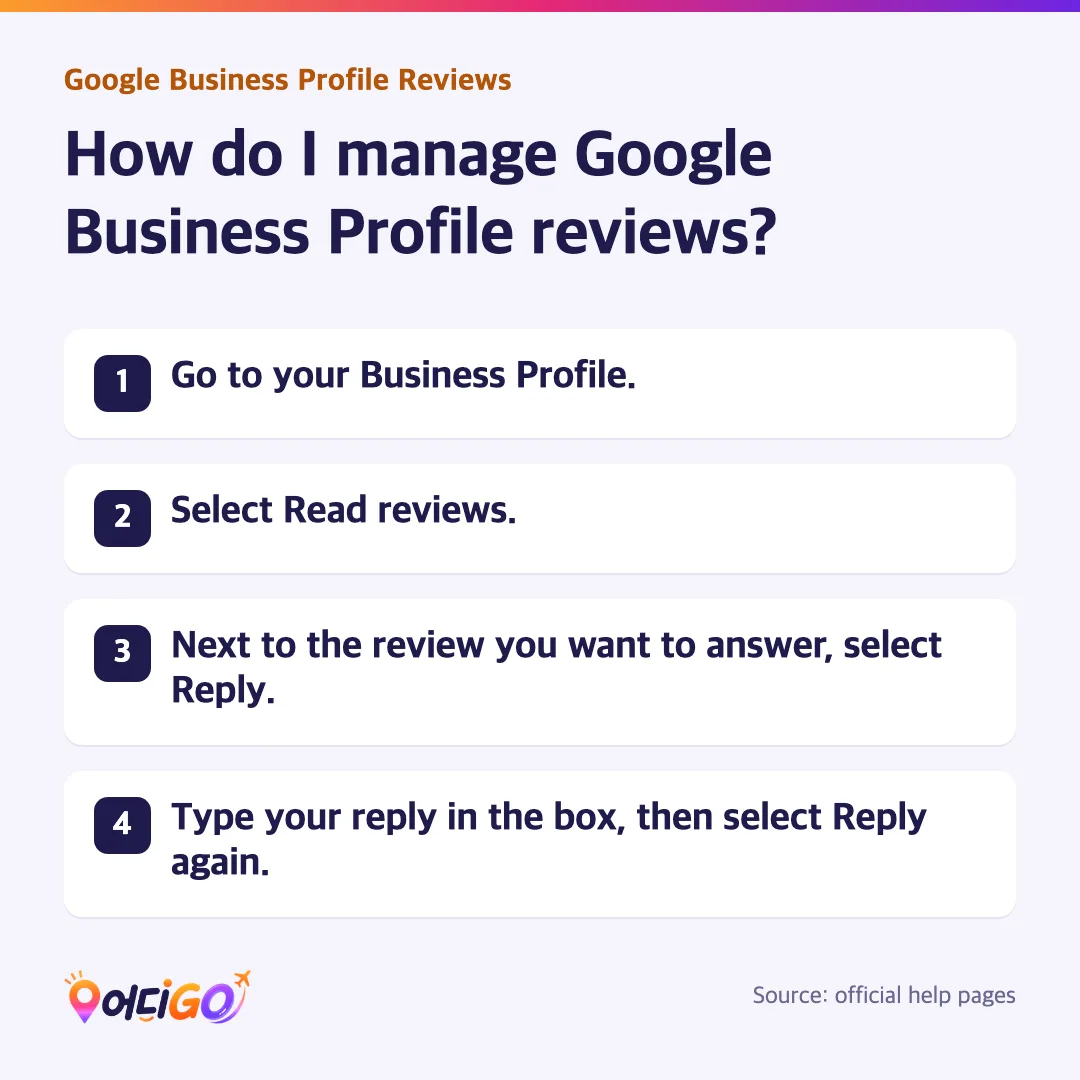
How do I manage Google Business Profile reviews?
Reviews are handled inside your Business Profile. Before you can reply, you must verify your business. Reviews are also available only in certain countries or regions and for certain business categories, and this may change over time.
- Go to your Business Profile.
- Select Read reviews.
- Next to the review you want to answer, select Reply.
- Type your reply in the box, then select Reply again.
Want one more place where customers can find your shop? → List your shop for free
To change a reply, go to Read reviews, select Edit under it, update the text and select Update. To remove it, select Delete instead.
Replies aren't posted instantly. Google checks them against its content policies, which usually takes up to 10 minutes but sometimes up to 30 days. If a reply isn't approved, you'll be asked to edit it.
Approved replies appear under the review as coming from your business, without your personal name. The reviewer is notified and can still change their review. If they do, the review date updates to show the latest change.
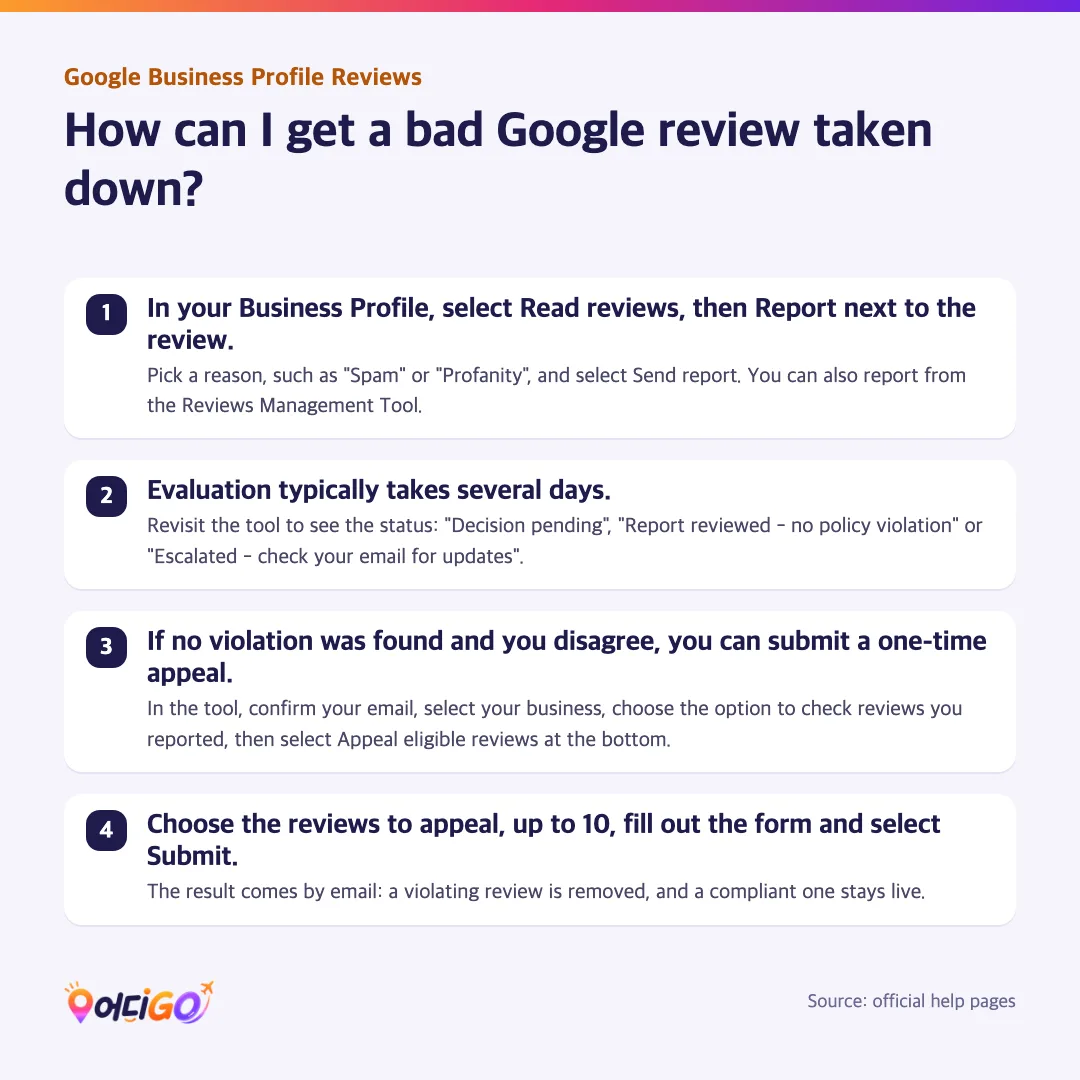
How can I get a bad Google review taken down?
You can report any review, but only reviews that violate Google's policies are eligible for removal. Don't report one just because you dislike it, since Google doesn't get involved in conflicts between businesses and customers.
- In your Business Profile, select Read reviews, then Report next to the review. Pick a reason, such as "Spam" or "Profanity", and select Send report. You can also report from the Reviews Management Tool.
- Evaluation typically takes several days. Revisit the tool to see the status: "Decision pending", "Report reviewed - no policy violation" or "Escalated - check your email for updates".
- If no violation was found and you disagree, you can submit a one-time appeal. In the tool, confirm your email, select your business, choose the option to check reviews you reported, then select Appeal eligible reviews at the bottom.
- Choose the reviews to appeal, up to 10, fill out the form and select Submit. The result comes by email: a violating review is removed, and a compliant one stays live.
Extortion has its own route. These scams may involve a sudden rush of 1-star and 2-star reviews, followed by a demand for money, goods or services to remove them. Don't engage or pay, gather evidence such as screenshots right away, and file the merchant extortion report form.
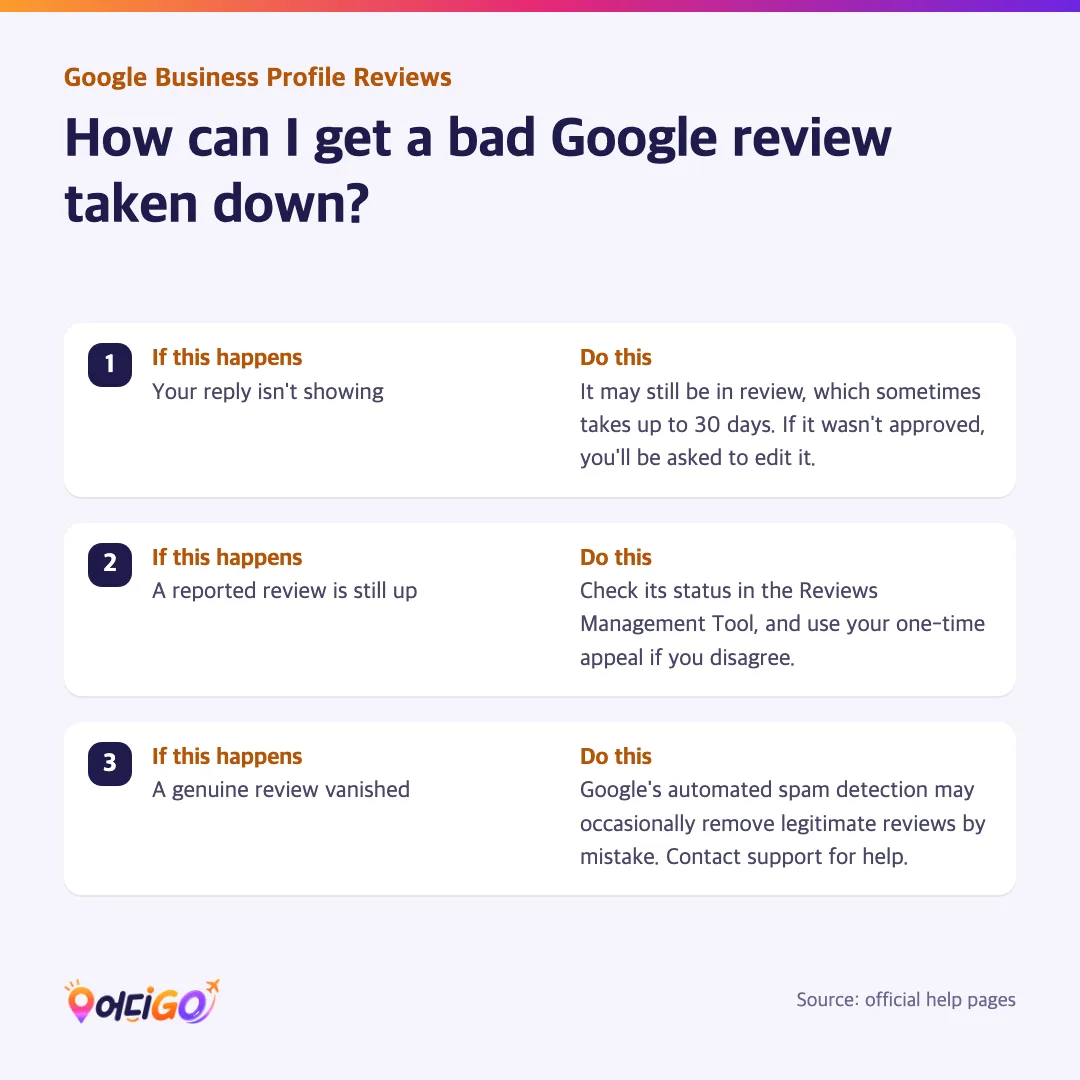
| If this happens | Do this |
|---|---|
| Your reply isn't showing | It may still be in review, which sometimes takes up to 30 days. If it wasn't approved, you'll be asked to edit it. |
| A reported review is still up | Check its status in the Reviews Management Tool, and use your one-time appeal if you disagree. |
| A genuine review vanished | Google's automated spam detection may occasionally remove legitimate reviews by mistake. Contact support for help. |
What is the best Google review management software?
This guide doesn't rank paid tools. Start with what Google already covers, then test any tool against Google's review policy before you connect it.
| Job | Built into Google? |
|---|---|
| Read reviews, reply, edit or delete replies | Yes, in your Business Profile |
| Report a review, check status, appeal | Yes, in your Business Profile and the Reviews Management Tool |
| Ask customers for reviews | Yes, with a review request link or QR code |
| Share a link to a good review | Yes, from Google Maps |
| Many locations on one screen, automatic requests | Not described in Google's help pages |
If you run one shop and can check reviews yourself, the built-in features may be enough. If you run several locations or want requests sent for you, a paid tool may save time. Check it against these questions first:
- Does it offer discounts, free items or payment for reviews? Google doesn't allow incentives for posting a review, or for revising or removing a negative one.
- Does it send review links only to customers who rated you well, often called review gating? Merchants may not selectively solicit positive reviews or discourage negative ones.
- Does it post reviews that aren't based on a real experience, or from several accounts run by one person? That content is removed.
- Does it push customers to review while on the premises, script what they write, or set staff review quotas? Google's policy rules these out.
Asking for genuine reviews is fine, as long as you offer no incentive and don't try to steer the rating or content. For the wider picture, see our guide to google reviews for a business.
Should an agency get owner or manager access?
If an agency or tool needs access, adding it as a manager is the safer choice. Managers can respond to reviews and have mostly the same access as owners, but they can't add or remove users or remove the profile. Owners keep full control, including deleting the profile.
Each person needs their own Google Account, so nobody has to share a password. To add a manager:
- Go to your Business Profile.
- Select More, then Business Profile settings, then People and access.
- Select Add, enter their email, choose Manager under "Access" and select Invite.
Only owners can remove other owners and managers. A removed user can't change business info, but their review replies stay on your profile.
Frequently asked questions
Here are short answers to common follow-up questions. Each one sticks to Google's own help pages.
Do I need a paid tool to manage Google reviews?
Not for the basics. Reading, replying, reporting, status checks and appeals all run through your Business Profile and the Reviews Management Tool.
Is it better to get reviews on Google or Yelp?
Google's help pages don't compare review platforms. They do note that your profile may show reviews from trusted non-Google sources, such as travel or local review sites.
How do I share a great review?
Open Google Maps, search your business name and city, and select Reviews. Next to the review, select More, then Share review, then Send a link, and copy the link shown.
How long does a review report take?
Evaluation typically takes several days. If you appeal, you'll get an email with the result once the appeal is assessed.
Sources
This guide is based on the Google help pages below. Check them for the latest wording before you act.
- https://support.google.com/business/answer/3474050?hl=en
- https://support.google.com/business/workflow/9945796?hl=en
- https://support.google.com/business/answer/4596773?hl=en
- https://support.google.com/business/answer/16404809?hl=en
- https://support.google.com/contributionpolicy/answer/7400114?hl=en
- https://support.google.com/business/answer/3403100?hl=en
Last checked: 2026-10-08
Related guides
Next step: K-ETA Korea 2026: Who Needs It, How to Apply, e-Arrival Card
This guide was drafted with AI, checked sentence by sentence against the official source pages by a separate AI fact-checker, and approved for publication by the Eodigo Marketing Team. Our editorial standards
Reviews build trust; make sure more customers have a place to see it.
This blog is brought to you by Eodigo. For restaurants, cafés, salons and other local shops, we build multilingual websites, run ads that bring in customers, and connect orders and bookings in one place. Listing your shop on Eodigo is free and helps more customers find you.