To remove fake Google reviews, report each one with the policy reason it breaks, then track it in the Reviews Management Tool and use your one appeal if Google keeps it up. Only policy-breaking reviews come down, and reviews followed by a demand for money go through a separate extortion form.
Contents
Which Google reviews can actually be removed?
You can report any review, but only those that violate Google policies are eligible for removal. Google also asks owners not to report a review just because they disagree with it or dislike it, so first sort fake from merely unflattering.
Match the review to a row, then pick the closest reason when you report.
| What you see | Policy it points to | Worth reporting? |
|---|---|---|
| Describes things you don't sell or never did | Fake engagement: not based on a real experience | Yes |
| A sudden cluster of low ratings from unfamiliar accounts | Unusual volumes or patterns that point to rating manipulation | Yes, or the extortion form if money is demanded |
| Written by a competitor or ex-employee | Conflict of interest | Yes |
| A political rant or a story about another place | Off-topic | Yes |
| Slurs, threats, or a staff member's personal details | Harassment, hate speech, personal information | Yes |
| A real customer being harsh or unfair | No violation | No. Reply to it instead |
No record of the customer doesn't prove a review is fake, since people pay cash or book under other names. Point to what's actually wrong, such as a dish you never served.
For the wider picture of how reviews work on your profile, see our guide to Google reviews for your business.
How do you report a fake review on Google?
All three routes lead to the same policy check. Sign in first with the Google Account that manages your Business Profile.
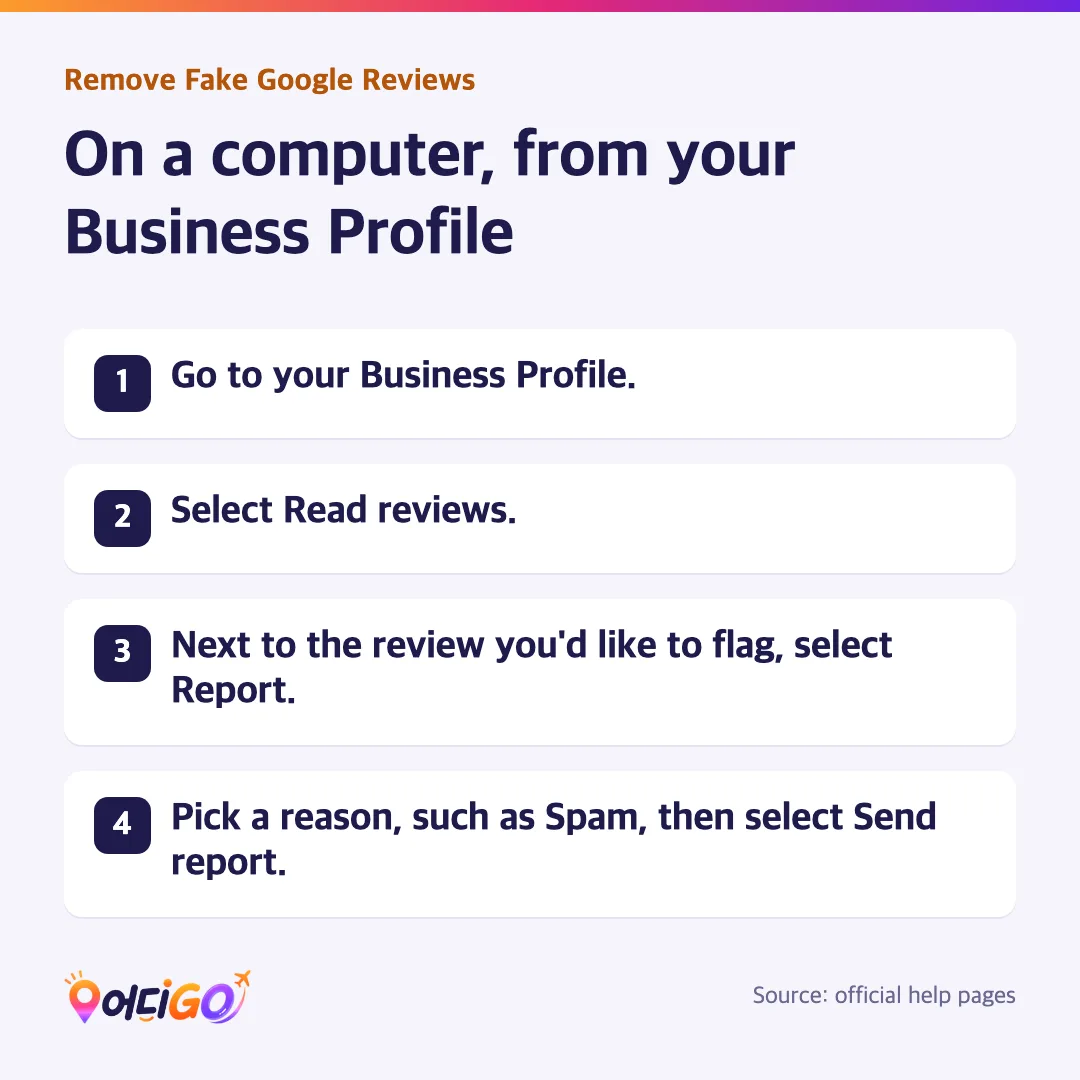
On a computer, from your Business Profile:
- Go to your Business Profile.
- Select Read reviews.
- Next to the review you'd like to flag, select Report.
- Pick a reason, such as Spam, then select Send report.
Want one more place where customers can find your shop? → List your shop for free
With the Reviews Management Tool:
- Open the tool and select Confirm, or Switch account if the email shown isn't the one tied to your profile.
- Select your business, then Continue, Report a new review for removal, Continue.
- Next to the review, select Report, choose the reason in the new tab, and select Submit.
On a phone, in the Google Maps app: find your business, tap the review, scroll down to Report Review, complete the form, and tap Submit. To report the account itself, tap Business, then Reviews, tap the reviewer's name, and choose More, then Report.
Review evaluation typically takes several days. Reports made in the Maps app can be tracked in the app's own Reports section, which uses different status names from the Reviews Management Tool.
What do the report statuses mean, and how do you appeal?
The Reviews Management Tool shows one of three statuses for each review you flagged. Each calls for a different next step.
| Status | What Google means | What to do |
|---|---|---|
| Decision pending | The review is flagged but hasn't been evaluated yet | Wait rather than reporting it again |
| Report reviewed - no policy violation | Google evaluated it and found no violation | Use the one-time appeal if you still disagree |
| Escalated - check your email for updates | The appeal has been escalated | Watch your inbox for the final decision |
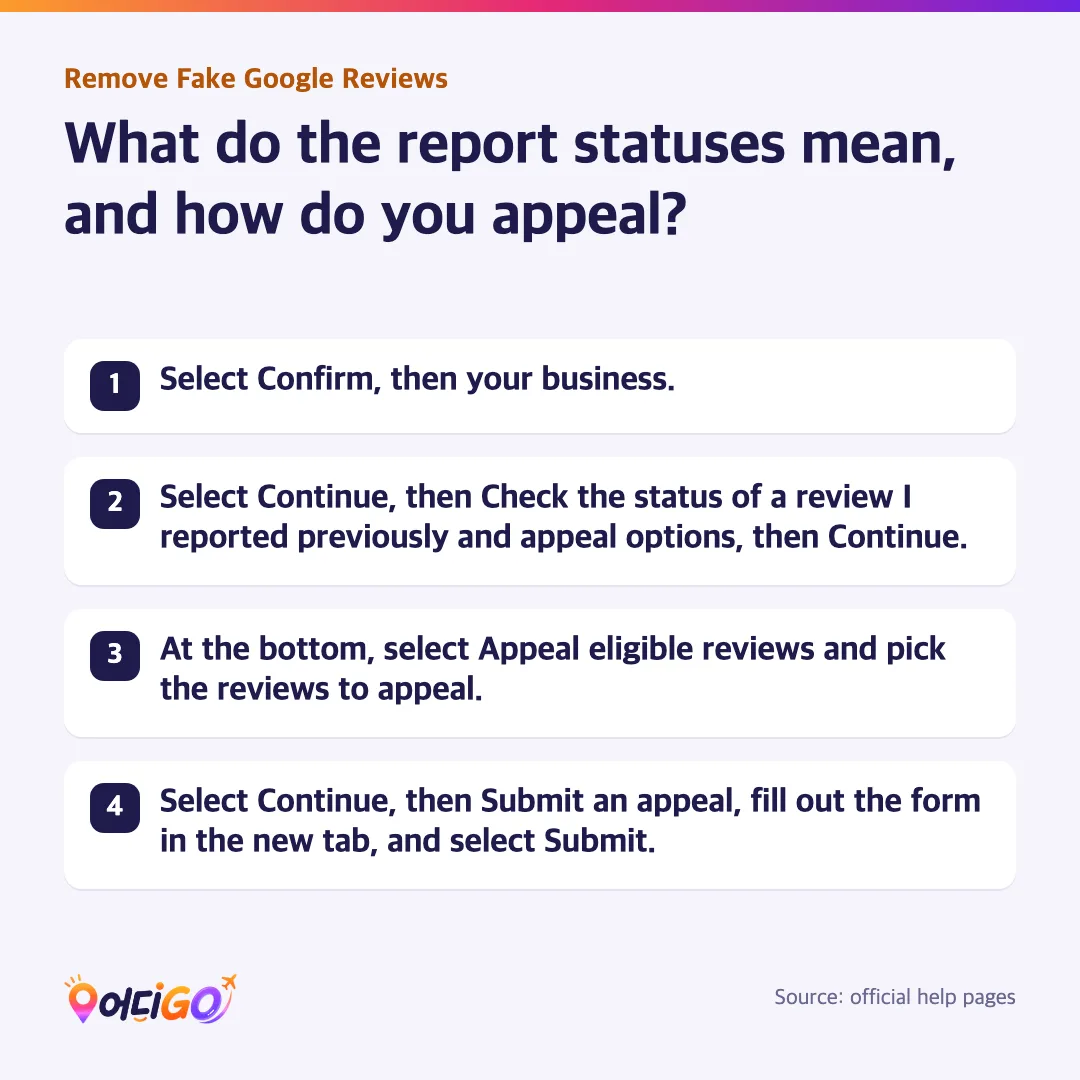
To appeal, return to the Reviews Management Tool:
- Select Confirm, then your business.
- Select Continue, then Check the status of a review I reported previously and appeal options, then Continue.
- At the bottom, select Appeal eligible reviews and pick the reviews to appeal.
- Select Continue, then Submit an appeal, fill out the form in the new tab, and select Submit.
You can select up to 10 reviews in one appeal. Each review gets one appeal, so name the policy it breaks and the detail that shows it. If the appeal fails, the review stays live, and its status will still read Escalated.
While a fake review is up, a short reply gives future customers context. The person who wrote the review is notified when you reply, and replies usually take up to 10 minutes to review, but sometimes a review can take up to 30 days.
What if fake reviews come with a demand for money?
That's an extortion scam, and it goes through Google's merchant extortion report form, not the normal flag. These scams may involve a sudden increase in 1-star and 2-star reviews on your Google Business Profile, followed by someone demanding money, goods, or services in exchange for removing the negative reviews.
Google's advice is not to engage with or pay the people behind it, because paying can encourage more attempts and doesn't guarantee the reviews come down. Gather evidence right away:
- Screenshots of each demand showing the date, time, and sender's contact details
- Direct links to every review you believe is part of it
- When the bad reviews started and when the demand arrived
To copy a review link in Google Maps, open your business's Reviews, select More, then Share review, choose Send a link, and select COPY LINK. Use this form only when someone has actually demanded money or favors; ordinary spam goes through the report steps above.
Frequently asked questions
Can I get a 1-star review removed just because it's unfair?
No. A low rating from a real customer isn't a policy violation, and Google says it doesn't get involved in conflict between businesses and customers.
Should I pay a review removal service?
Google's help pages describe no paid route; removal goes through the same policy check you can request yourself. Offering a reviewer money or discounts to remove a negative review is itself against Google's rules. Posting reviews to bury the fake ones backfires, since profiles caught with fake reviews can be blocked from getting new reviews for a set period of time. Real reviews are the safer counterweight: see our Google review link guide for asking within the rules.
Will Google tell me why a review stayed up?
The tool shows only the status. For extortion reports, Google says it can't share specific details about the investigation for privacy and security reasons, though it will tell you the result.
A genuine review disappeared. Can it come back?
Google uses automated spam detection, and it can occasionally remove legitimate reviews by mistake. If so, contact Business Profile support. Reviews removed for policy violations won't be restored.
References
- Report inappropriate reviews on your Business Profile
- Maps user generated content policy: prohibited and restricted content
- Report inappropriate content on Google Maps
- Report extortion scams targeting your Business Profile
- Manage customer reviews
- Business Profile restrictions for policy violations
- About missing or delayed reviews
Last checked: 2026-10-31
Related guides
Next step: GrabFood Merchant Registration Philippines: Requirements
This guide was drafted with AI, checked sentence by sentence against the official source pages by a separate AI fact-checker, and approved for publication by the Eodigo Marketing Team. Our editorial standards
Reviews build trust; make sure more customers have a place to see it.
This blog is brought to you by Eodigo. For restaurants, cafés, salons and other local shops, we build multilingual websites, run ads that bring in customers, and connect orders and bookings in one place. Listing your shop on Eodigo is free and helps more customers find you.