For a small business, local SEO starts with a verified, complete and accurate Google Business Profile and genuine reviews that you reply to. Google ranks local results mainly on relevance, distance and prominence, and there's no way to request or pay for a better local ranking.
Contents
What is local SEO for small business?
Local SEO is the work of getting your business found when nearby customers search on Google Maps and Search. For example, someone who types "Italian restaurant" on their phone might see local places near them.
Your main tool is Google Business Profile (formerly Google My Business). You can add or claim your business at no charge. Once you verify it, you gain ownership of the profile and can keep your info accurate.
Local results are mainly based on three factors:
| Factor | What it means | What you can do |
|---|---|---|
| Relevance | How well your profile matches what someone is searching for. | Give complete and detailed business info. |
| Distance | How far your business is from the person searching. If they don't share it, Google uses what it knows about their location. | Keep your address or service area accurate. |
| Prominence | How well-known your business is. Google says this is also based on info like how many websites link to your business and how many reviews you have. | Earn more reviews and positive ratings, which can help your local ranking. |
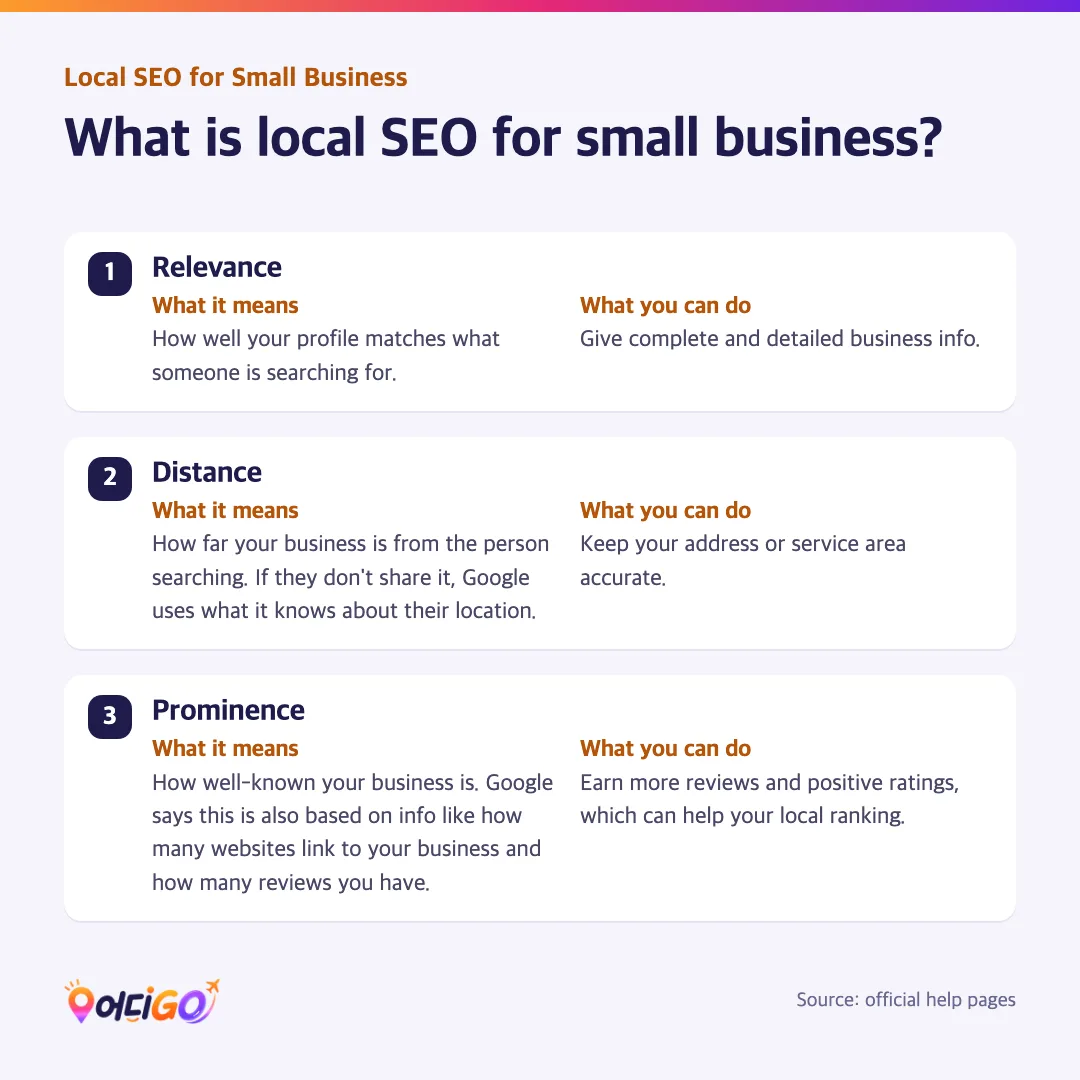
Google keeps the details of its search algorithm confidential, so be wary of anyone who promises to sell you a top spot.
How do I rank higher on Google Maps?
You can't change how far a searcher is from you, but you can work on relevance and prominence. Google's own tips for a better local ranking fit into one short checklist.
- Verify your business. This tells Google you're authorized to represent it, so it's more likely to show up in search results.
- Keep your info complete and accurate. If it isn't accurate, your profile might not show up for relevant searches in your area.
- Add your full address if customers can visit, your hours including special hours, your category, and details like parking or Wi-Fi.
- Reply to reviews. Positive reviews and helpful replies can help your business stand out.
- Add photos and videos that show what you offer and tell the story of your business.
- Run a retail store? In eligible countries or regions, you can show in-store products, and they might appear in local results.
Want one more place where customers can find your shop? → List your shop for free
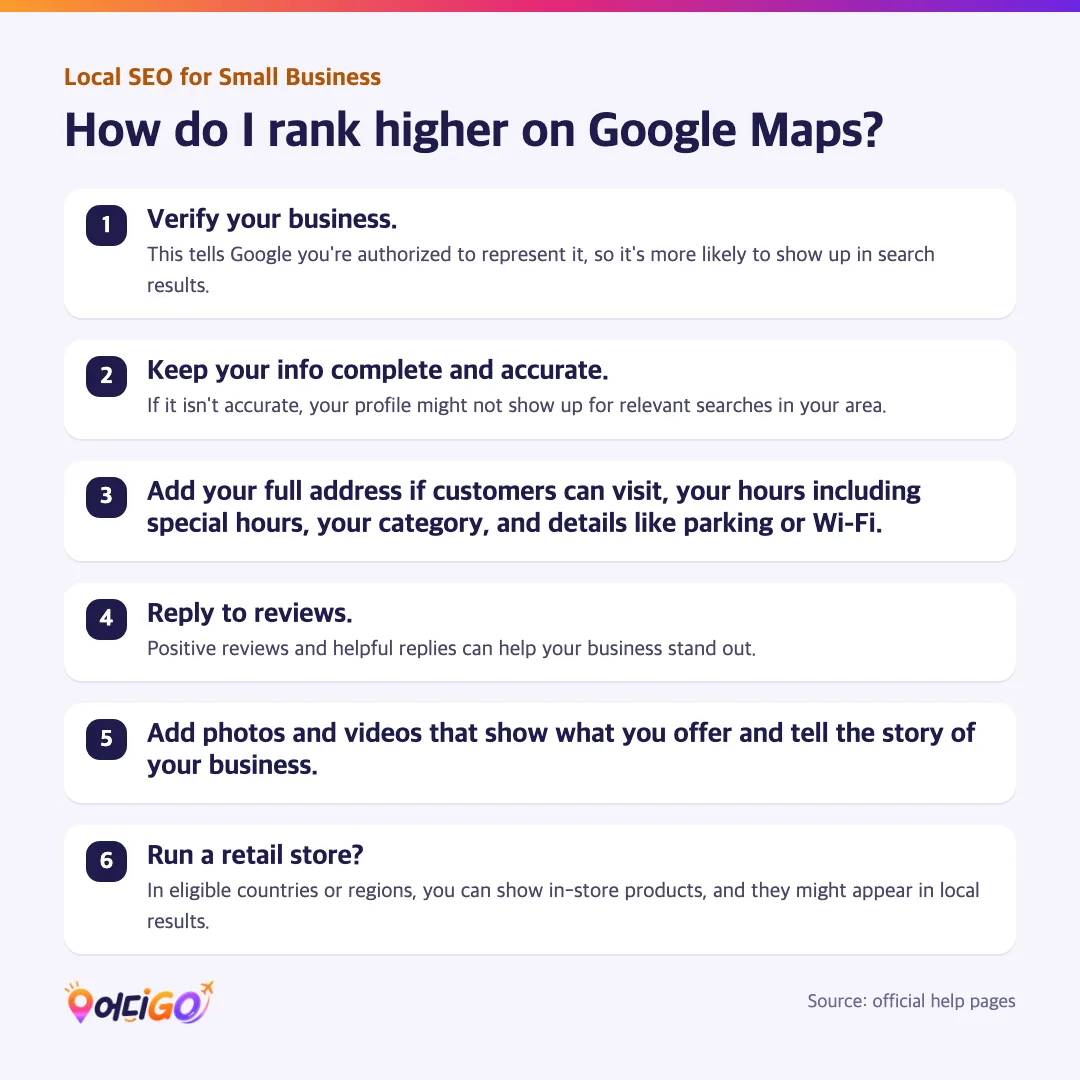
None of these steps buys a position, and they don't all take the same effort. Short on time? Start with steps 1 to 3. Photos come next, starting with an exterior shot, and step 6 only matters if you run a retail store in an eligible country or region.
| Step | Set up once | Keep up over time |
|---|---|---|
| Verify | Yes, at the start. | Check again whenever you change your name or move. Name changes might need re-verification, and a move requires it. |
| Name, category, address | Yes. Match your signage and pick the most specific category. | Review them only when something about the business changes. |
| Hours | Set your regular hours once. | Add special hours before each holiday or temporary closure. |
| Reviews | Create your review link or QR code once. | Ask customers and reply on a regular schedule, for example a set time each week. |
| Photos and videos | Add an exterior photo first. | Add more when your products, services or space change. |
The sections below walk through each step.
How do I add, claim and verify my profile?
You need a Google Account first, then you either add a new profile or claim the one that already exists. After that you verify it, which you need to do before you can edit your info and interact with customers.
Gather these before you start, so you don't have to stop halfway:
- A Google Account you control. It can use Gmail or any email address you prefer, and you can link a company email to it.
- Your business name exactly as it appears on your signage.
- Your exact address, or the cities and zip codes you serve.
- Your regular hours and any upcoming special hours.
- A business phone you can answer yourself or that receives texts.
If your business isn't on Google yet, add it:
- Go to business.google.com/add.
- Click Add your business to Google.
- Follow the on-screen instructions to add your details. Make sure your address is correct and meets Google's address guidelines.
- Select a verification option and follow the steps.
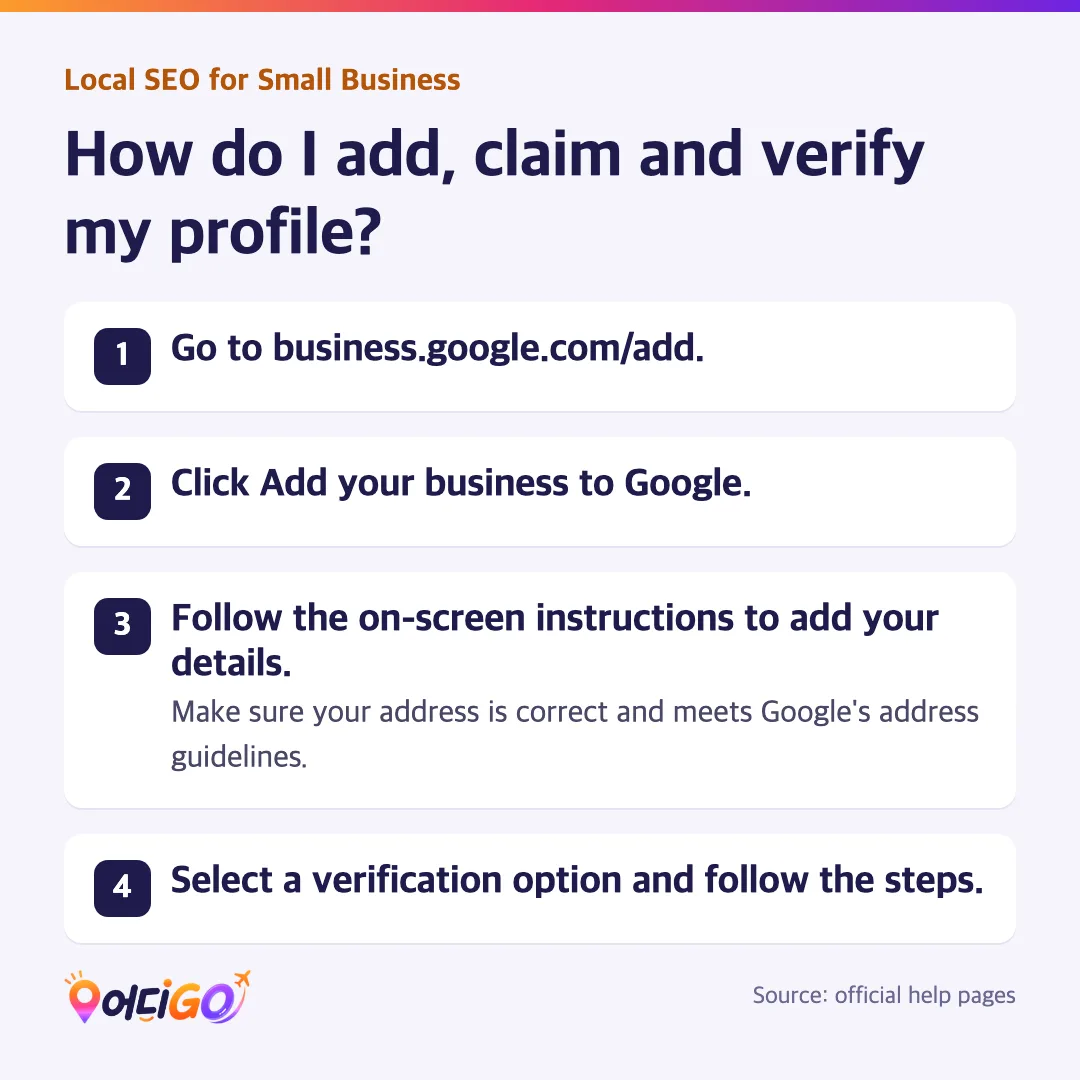
If an unverified profile already exists, claim it on a computer:
- Open Google Maps and search for your business name and city, or find it on the map.
- Select Claim this business, then Manage now.
- Select a verification option and follow the on-screen instructions.
On an Android phone or iPhone, the Google Maps app works the same way:
- Open the Google Maps app and enter your business name in the search bar.
- Select the correct business, then tap About, Claim this business, Manage now.
- Select a verification option and follow the instructions.
If you picked the wrong listing, choose I own or manage another business. If someone else has already verified the profile, jump to the stuck section below.
Google automatically decides which verification methods you see, and they can't be changed. They depend on your business type, public info, region or business hours. In some cases you may need more than one method.
| Method | What to know |
|---|---|
| Phone or text | You must be able to answer your business phone or receive texts. Interactive Voice Response (IVR) systems won't get the code. |
| Make sure you can use the email address shown on the verification screen. | |
| Video recording | If your business is eligible, Google recommends this option. |
| Live video call | May not be available for all businesses, and only runs within your location's business hours. Be at your business, ready to show outside signs, your equipment and staff-only areas. |
| Postcard | Not available for all businesses. Most codes arrive within 14 days, and codes expire after 30 days. |
After you finish, Google reviews your info. This takes up to 5 business days, and on rare occasions longer.
You'll get a confirmation email once you're verified. Methods can change, so check the verification help page (support.google.com/business/answer/7107242, checked 2026-10-02) before you start.
Which profile fields matter, and how do I fill them in?
Businesses with complete and accurate info are more likely to show up in local results. Fill in each field the way your business actually works, not the way you'd like it to rank.
| Field | How to fill it in |
|---|---|
| Business name | Exactly as it appears on your signage, stationery and other branding. If you change it after verification, you might need to verify again. |
| Primary category | The specific category that best describes your main business. Pick one that completes the line "This business IS a", not "HAS a". |
| Extra categories | You can add up to 9 more, but use as few as it takes to describe your core business. |
| Address and pin | Full and accurate. If there's no street number or the system can't find it, pin your location on the map. If you move after verification, you must verify again. |
| Service area | The cities, zip codes or other places you serve, as specific and accurate as possible. |
| Hours | Your regular customer-facing hours. Use special hours for holidays or temporary periods, and More hours when features you offer have different hours. |
| Phone | Your main number plus up to 2 more, mobile or landline but not fax. Use a local number rather than a call center line whenever possible. |
| Website | The full URL, including http:// or https://. Make sure Googlebot isn't blocked on your site. |
| Photos and videos | Your storefront, products and services. An exterior photo helps customers recognize you when they visit. |
| Description | What you offer and what makes you special. Don't exceed 750 characters, don't include URLs or HTML, and focus on the business rather than promotions or prices. |
| Attributes | You can edit certain factual details, like outdoor seating. Subjective ones, like being popular with locals, rely on the opinions of people who visited. |
To edit, sign in to the Google Account linked to your profile. On Google Search, go to your profile, select Edit profile, then Save. In the Google Maps app on Android or iPhone, tap Business, then Edit profile.
Some features may differ between Search, Maps and your phone's operating system. Google reviews your changes before they go live on your profile.
Storefront, service area or both: which setup fits?
Your address setup depends on whether customers come to you, you go to them, or both. A wrong setup can break Google's guidelines, so find the row that matches your business.
| Your business | Address | Service area | Profiles |
|---|---|---|---|
| Customers visit you (cafe, salon, restaurant, shop) | Show the full address and keep permanent fixed signage with your business name there. | Not needed. | One per location. |
| You travel to customers and have no storefront with clear signage | Hide it. A plumber working from a home address, for example, should clear it. | Set it. Its boundaries shouldn't extend farther than about 2 hours of driving from your base, though larger areas may suit some businesses. | One service-area profile. Separate locations with separate service areas and staff can each have one. |
| Both, like an auto repair shop with a garage and roadside service | Show your storefront address. | Set it, as long as the location is staffed and can receive customers during its stated hours. | One per location. |
| Several locations | Each location's own address. | As above, per location. | One per location, and all locations share one primary category. |
Two special cases are worth checking. A rented mailing address you don't operate from (a virtual office) isn't eligible for a profile. Businesses selling products with a minimum age, like alcohol, cannabis or weapons, aren't permitted as service-area businesses without a storefront.
Which common mistakes break the guidelines?
Many shortcuts that look like SEO tricks are guideline violations. Breaking the guidelines can lead to changes to your information or, in some cases, removal of your business information from Google.
| Mistake | What the guidelines say | Do this instead |
|---|---|---|
| Adding a neighborhood or service to your name, like "Equinox near SOHO" | Location and service details aren't allowed in the name. Unnecessary info in a name could result in suspension. | Use your real-world name and put location details in the address field. |
| Taglines, store codes, ALL CAPS or "LLC" in the name | Not permitted. Special characters or legal terms need real-world proof, like signage or invoices. | Match your signage exactly. |
| Using a P.O. box | P.O. boxes or mailboxes at remote locations aren't acceptable. | Use your actual, real-world location. |
| Listing a co-working desk | Allowed only with clear signage, customers received during business hours and your own staff on site during those hours. | If those don't apply, set up as a service-area business. |
| A service-area business showing a home address | Service-area businesses should hide their address. | Clear the address and set a service area. |
| Using categories as keywords | Don't use categories only as keywords or to describe attributes. | Put features like Wi-Fi in attributes. |
| A second profile for the same location | Don't create more than one page per location, in one account or several. | Fix the existing profile. |
| Paying for reviews | Incentives for posting, changing or removing reviews are strictly prohibited. | Ask every customer, with nothing in return. |
How do I get and reply to Google reviews?
Reviews show next to your profile in Maps and Search, and more of them, with positive ratings, can help your local ranking. They must reflect a genuine experience, so the safe way to grow them is to ask real customers.
To ask for reviews:
- Create a Google link or QR code for review requests in your profile.
- Share the link with customers, or put the QR code where they can scan it.
- Let them know they need to be signed in to a Google Account, which can use a non-Gmail address.
Offering incentives, like free or discounted goods or services, for posting, changing or removing reviews is strictly prohibited. It's treated as fake and misleading content.
A mix of positive and negative feedback often feels more trustworthy to customers. So it's safer to send your review link to everyone, not only to customers you expect to be happy.
When you reply, these habits help:
- Keep replies professional, polite, short and clear.
- Skip the copy-paste thank-you and focus on reviews where you can share an update or answer a question.
- Don't use replies to offer deals or promotions.
- Never share a reviewer's private information. For complex cases, politely ask them to contact you by phone or email.
- Admit real mistakes, apologize when it fits, and explain what you can and can't do.
- Address the reviewer by name and sign off with your name or initials.
- Reply promptly.
If a review breaks Google's content policies, you can flag it. Review rules can change, so check support.google.com/business/answer/3474122 (checked 2026-10-02).
How does local SEO work for restaurants and cafes?
Restaurants and cafes follow the same steps as any other business. Hours, the menu and the category just need a little more thought.
- Set your hours to when diners can sit down and eat. If that isn't possible, use takeout hours, then drive-through hours, and delivery hours only as a last resort.
- Use the menu editor, which is for food and drink businesses only and has limited availability, to keep items and prices accurate.
- Some categories can add links for online orders or reservations.
- Add attributes such as outdoor seating.
- Add an exterior photo so first-time customers recognize the place.
- Keep prices and promotions out of the description and the business name.
Google's own example is a 24-hour coffee shop called Shelly's Coffee. The name is just "Shelly's Coffee", the hours field says Open 24 hours, and the category is Coffee shop. Writing "Open 24 hours" into the name itself isn't allowed.
How should my website and other listings back it up?
Your website and other map listings should tell the same story as your Google profile. Google can detect category info from your website and from mentions of your business across the web.
- Link a website that represents your individual location, and use a local phone number where possible.
- Don't use phone numbers or URLs that redirect people to other pages or numbers, including social media pages.
- Use Search Console to check your site for possible penalties.
- Verifying your website in Search Console is one case where Google may verify a profile instantly.
Because Google also uses other sources to decide how to display your address, it's safer to show the same name, address, phone and hours on your site as on your profile. If you have several locations, a page for each one gives each profile a website that represents that location.
For Bing Maps, use Bing Places for Business to claim or update your listing with the same details. Some Bing features may not be available in your country or region.
Apple Maps, structured data and suspension appeals are outside this guide. See each provider's own help pages for those.
What if verification or ownership gets stuck?
When setup stalls, start from the symptom you can see. Each fix below comes from Google's help pages listed under References.
| If this happens | Do this |
|---|---|
| The postcard hasn't arrived | Wait: most codes arrive within 14 days. Don't edit your name, address or category, or the code won't work. |
| Tempted to request a new postcard code | Don't. A new request cancels the code in the mail and can make the process longer. Codes expire after 30 days. |
| The phone code never comes | IVR systems won't get the code. Use a line you can answer, or choose text. |
| Live video or postcard isn't offered | Try the options you do have. If you still can't verify, contact support. |
| You've finished and nothing has changed | Give Google's review time. See the timing in the verification section above. |
| The Get verified button appears again | Google couldn't completely verify you. Re-verify, and try other methods if several are shown. |
| A Review issues notice after a video recording | Your video wasn't accepted. Select Review issues and follow the instructions. |
| Google asks for additional info | Likely because details were recently updated. Select Get Verified and re-verify. |
| Someone else already verified your profile | If you're authorized to manage the business, request ownership from the current profile owner. |
| There are two profiles for your business | Don't create another one. Use Google's Resolve duplicate profiles & ownership issues page. |
| An edit was rejected | Check Google's list of reasons submitted content may be rejected, then correct and resubmit. |
Keep your verification code secure. Google will never ask for it, and you shouldn't share it with anyone, even people who manage your profile.
Frequently asked questions
These questions come up alongside local SEO searches. The answers stick to what Google's help pages support.
Can I do local SEO myself?
Yes. You can add or claim your Business Profile at no charge and edit it yourself. If you hire help, keep ownership in your hands:
- Add or claim and verify the profile under your own Google Account.
- After verification, add the agency through Google's owners and managers settings.
- Keep your verification code to yourself, as covered in the section above.
Primary ownership can be transferred, so it's safer to keep that role yourself.
How much does local SEO cost, and what should I pay?
Official documentation doesn't set a cost or price benchmark for local SEO services. The Business Profile itself is free. When you compare quotes, check the promise as well as the price: there's no way to pay Google for a better local ranking, so be wary of any guarantee.
What should I do first if I only have 30 minutes?
- Add or claim your profile and start verification with whichever method Google offers you.
- Before you request a postcard, check that your name matches your signage and that your primary category is right. Editing the name, address or category while you wait makes the code stop working. Then set your hours, including any upcoming special hours.
- Add an exterior photo so customers recognize you when they visit.
- Create your review link or QR code and put it where customers can scan it.
What are some local SEO examples for a small business?
Google's guidelines use Shelly's Coffee, the 24-hour cafe in the restaurants section above, which also has a precise address. For descriptions, they give an ice cream shop that explains what it serves, with no URLs or prices.
References
These are the official help pages this guide is based on. Verification options and policies can change, so check them before acting.
- Tips to improve your local ranking on Google
- Add or claim your Business Profile
- Verify your business on Google
- Edit your Business Profile
- Guidelines for representing your business on Google
- Tips to get more reviews
- Add and manage your business listing (Bing)
Last checked: 2026-10-02
Related guides
Next step: Vietnam Visa 2026: E-Visa Steps, Fees and Who Is Visa-Free
This guide was drafted with AI, checked sentence by sentence against the official source pages by a separate AI fact-checker, and approved for publication by the Eodigo Marketing Team. Our editorial standards
Start with the low-cost options first, beginning with places where you can list your shop for free.
This blog is brought to you by Eodigo. For restaurants, cafés, salons and other local shops, we build multilingual websites, run ads that bring in customers, and connect orders and bookings in one place. Listing your shop on Eodigo is free and helps more customers find you.